


chat interfaces have become a cornerstone of user engagement, enabling seamless communication across diverse platforms. Effective chat UI design goes beyond aesthetics; it demands a careful balance of function and user-centered principles. Robust, intuitive, and visually coherent patterns support richer dialogues and improve user satisfaction. Designers looking for inspiration or established approaches can review extensive web chat design patterns that meet modern usability expectations.
Thoughtfully adopting proven chat UI patterns not only supports interaction but also fosters community, collaboration, and trust among users.
Web applications with well-crafted chat interfaces enable faster decision-making, more meaningful exchanges, and effortless real-time data sharing. These evolving UX patterns are critical for anyone seeking to launch or refine a competitive product in a saturated digital market.
Ultimately, the strength of a chat UI is judged by how clearly it helps users track conversations, share rich content, and stay present in their digital communities.
Considering the unique blend of visual cues, technical performance, and accessibility will result in an interface that resonates with a broad, diverse audience over time.
Investing in the details of chat UIs spells the difference between fleeting use and lasting loyalty. Proactive design thinking ensures modern web apps not only function seamlessly today but grow with workplace and consumer demands tomorrow. Deepening your knowledge of essential chat UI patterns can empower your next project with industry-leading communication experiences.
Message Threading
Organizing conversations through message threading keeps individual topics in a group chat distinct and understandable, even as discussions branch. Message threading helps users track ongoing topics without having to scroll endlessly or lose the context of prior exchanges. For collaborative workplaces, threading is vital for reducing conversational clutter and amplifying productivity. Applications like Slack and Microsoft Teams have standardized this pattern, demonstrating its effectiveness in both business and casual environments.
Rich Media Integration

Incorporating images, videos, audio, stickers, and document attachments elevates chat interfaces from simple text exchanges to dynamic collaboration spaces. Allowing users to seamlessly upload, view, and interact with rich media without leaving the chat context enhances expressiveness and utility. This feature is essential for workflows where sharing screenshots, PDFs, briefs, or quick recordings contributes to productivity. Integrating media must not disrupt the conversation flow or cause unnecessary loading issues, and should respect privacy settings, such as inline previews for sensitive content. Leading applications employ adaptive content displays to maintain chat readability and engagement.
Live Feedback
- Timely responses foster trust, and real-time feedback patterns like typing indicators, seen/read receipts, and message delivery statuses keep users informed about the progress of their conversations.
- These cues strengthen interpersonal connections, ensuring participants know when others are engaged or when communication gaps might exist.
- Implementing these mechanisms fosters a more conversational tone that closely mirrors face-to-face interactions and can drive repeated user engagement.
- Careful attention to privacy settings and customization options helps users control which indicators they participate in or are visible to others.
Responsive Design
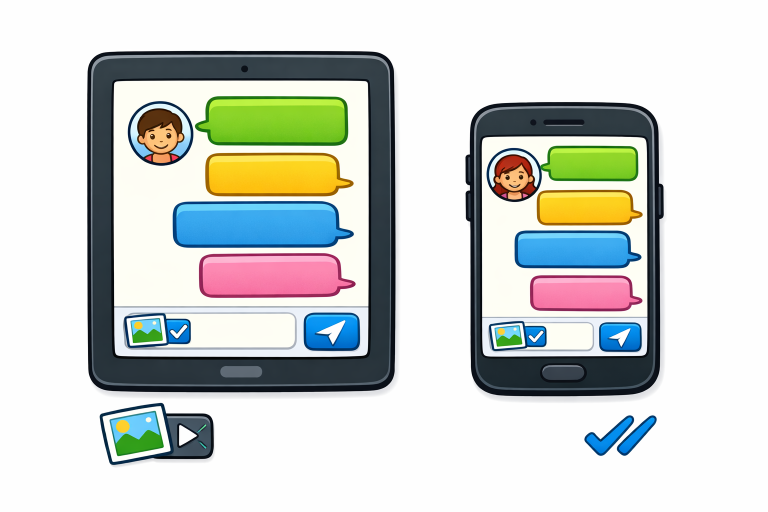
Chat interfaces must deliver consistent experiences across devices and screen sizes to support the modern user’s mobility. Responsive design adapts layouts, font sizes, and interactive touch zones, making chat features usable on anything from large monitors to compact smartphones. Efficiency and readability should remain high across devices, and essential chat UI elements, such as input fields, send buttons, and user avatars, should remain accessible and intuitive. Responsive principles are pivotal for extending chat functionality to wearables, televisions, and other connected devices.
Accessibility Considerations
- Creating inclusive chat interfaces requires a deep commitment to accessibility.
- Features such as keyboard navigation, support for screen readers, adjustable text size, and proper color contrasts are necessary so users with disabilities can communicate effectively.
- Adhering to guidelines such as the Web Content Accessibility Guidelines (WCAG) strengthens user advocacy and compliance while expanding your application’s reach.
- Inclusive design demonstrates a strong ethical stance and ensures legal safety as regulatory scrutiny around digital accessibility intensifies worldwide.
Dark Mode Implementation
Many users now expect dark mode options in their web applications due to the substantial reduction in eye strain it offers, particularly at night or in low-light environments.
Implementing dark mode requires more than just inverting colors. The UI elements must remain legible and retain aesthetic harmony across different color schemes.
Designers should test foreground and background combinations for contrast and consistency, ensuring all chat bubbles, avatars, and action buttons adapt smoothly between modes. A toggle or system-based automatic switching further increases flexibility of use and user satisfaction.
Gesture-Based Navigation

Gesture controls, such as swiping to reply or long-pressing to forward or delete messages, streamline everyday actions and help users complete tasks with fewer taps. These micro-interactions make chat apps feel faster and more intuitive, especially on touch devices. Thoughtful use of familiar gestures reduces the learning curve and opens the door to future enhancements, such as multitouch shortcuts or drag-and-drop attachments. Ensuring gestures have obvious visual feedback supports discoverability and avoids accidental actions.
Security and Privacy
Protecting user conversations and personal information is fundamental in chat UI design. Essential security patterns include end-to-end encryption, secure login protocols (like two-factor authentication), and clear privacy settings that empower users to control who can message or add them to groups. Transparent privacy policies and visible security credentials build user trust. It is also crucial to regularly audit security implementations, accounting for emerging threats and compliance updates.

