

The subscription price is the cheapest part of an OnlyFans account, and that’s the trap. People sign up expecting the monthly fee to be the cost, then discover the fee was just the cover charge and the real spending happens after you’re inside. If you want to actually get value here instead of watching small charges pile up, you have to understand the money mechanics before you subscribe, not after. So this isn’t a list of who to follow. It’s how to read a page’s pricing like someone who doesn’t want to be surprised by their gift card statement.
The Three Ways You Actually Pay
Every OnlyFans account runs on the same three revenue streams, and the sticker price only tells you about the first one.
- Subscription is the recurring monthly fee for access to a creator’s main feed, the “wall.” Prices are set by the creator and usually land between $4.99 and $49.99, with most sitting in the $10 to $20 range. This is the predictable part.
- Pay-per-view, or PPV, is the part that surprises people. These are individual photos, videos, or messages locked behind a separate one-time fee on top of your subscription. You see a blurred preview and a price, you pay, it unlocks. OnlyFans caps a single PPV at $100 (and tips at $200), so the ceiling on one unlock is real money, and a common creator pricing rule of thumb is to set PPV at two to ten times the subscription price. A $10 sub can sit in front of $20 to $100 unlocks.
- Tips are voluntary payments, often prompted through a “tip menu” or direct messages. Voluntary in theory. In practice a chatty DM thread nudging you toward a tip is a designed funnel, not a spontaneous conversation, and it’s worth knowing that going in.
Here’s the single most useful fact for reading any page the creator keeps 80% of everything and OnlyFans takes a flat 20%, identical across subscriptions, PPV, and tips. There’s no tier where it gets cheaper for you. That flat structure is why the incentive on many pages pushes hard toward PPV and tips, because that’s where the volume is, and it’s why “the subscription is only $8” tells you almost nothing about what a page will actually cost you in a month.
The Free-Page Trap, Which Is The Opposite Of Free
This one catches people constantly, so it gets its own warning.
A page advertising a free subscription is very often the most expensive kind, because there’s no subscription wall doing any of the work. On a free page the entire business model is PPV: subscribing costs nothing, but essentially all the actual content sits behind individual unlock fees. You walk in the door for free and then pay per item, forever.
A paid page, by contrast, at least bundles a body of content into the flat monthly fee, with PPV as an upsell on top. So the honest way to compare is counterintuitive: a $15 paid page can easily cost you less per month than a “free” one, because the paid page already handed you a feed of content, while the free page charges you à la carte for all of it. Free subscription does not mean free content. It usually means the paywall moved from the door to every single item inside.
How To Read A Page’s Pricing Before You Commit
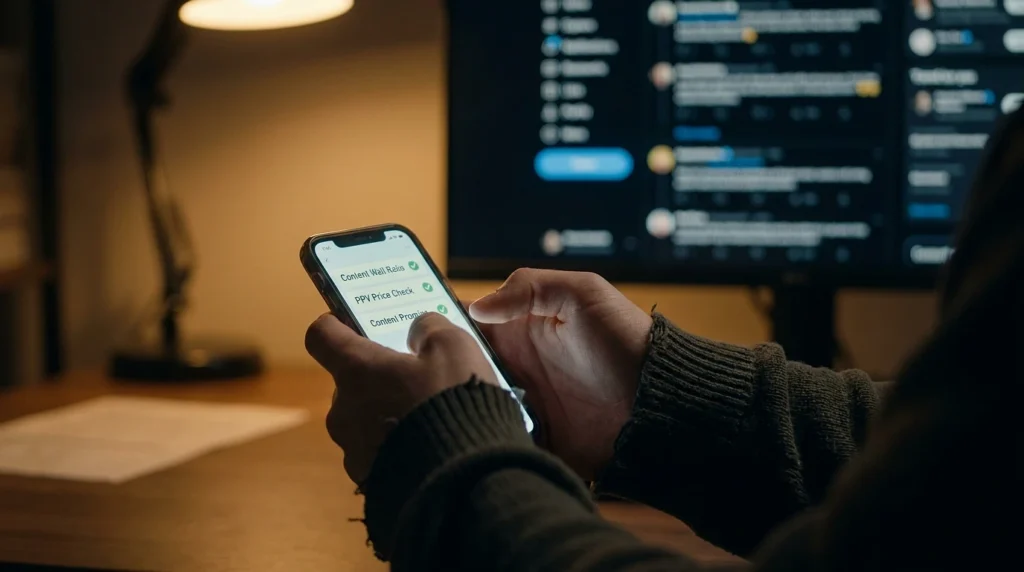
You can vet most of this from the preview and the pinned posts before you spend a cent. Here’s the checklist I’d run:
- Look at what’s actually on the wall versus locked. Creators who put most of their content on the subscription wall (the healthy range is roughly 55 to 80 percent) are giving you value for the flat fee. A page where the wall is nearly empty and everything good is a locked PPV is telling you the sub is just an entry toll.
- Check the PPV prices in the previews. If unlocks are consistently near that $100 cap, this is an expensive page no matter how low the subscription is. If they’re $5 to $15, more reasonable.
- Read the pinned post and profile for a content promise. Good pages tell you what the subscription includes and what costs extra. Vagueness about what’s behind the paywall is itself the warning sign.
- Scan for the upsell cadence. Reviews and the creator’s own social posts will often reveal whether subscribers get flooded with PPV messages within hours of joining. A premium PPV pushed in the first 24 to 48 hours is a standard sales tactic, not a coincidence.
- Look for third-party reviews. Reddit communities built around honest OnlyFans reviews (the review-focused subreddits, not creators’ own promo) are where subscribers flag bait-and-switch pages, where the previews promise far more than the unlocks deliver.
The through-line on all of it: previews that overpromise relative to what unlocking actually delivers is the number one complaint subscribers report, and it’s exactly the thing you can catch by looking before you pay rather than after.
Trials And Rebills: Read The Renewal, Not The Offer
The free trial is the other place money quietly slips out.
Plenty of creators offer a free 7-day trial, and trials are genuinely the smart way to evaluate a page, you get to see the real posting frequency and content quality before committing. But two mechanics matter. First, subscriptions rebill automatically. A trial or a first month rolls into a recurring charge unless you turn off auto-renew, and “I forgot to cancel” is the most common way people overspend on this platform. Second, promotional discounts apply only to the promo period. A page offering “50% off the first month” charges full price on every month after, and the renewal price is the real price, not the one that got you in.
So the practical habit is simple. The moment you subscribe, decide whether you want this recurring, and if you’re only there to look, turn off auto-renew immediately, not on day six when you’re hoping to remember.
Setting An Actual Budget, Because The Platform Won’t Do It For You
The reason all of this matters is that OnlyFans is engineered, like any subscription-and-microtransaction business, to make individual charges feel small while the total grows. A few dollars here to unlock, a small tip there, three subscriptions you meant to cancel. None of it feels like much in the moment, which is exactly the design.
The defense is boring and it works: decide a monthly number before you browse, and treat subscriptions and unlocks as coming out of that one pot. If a page’s PPV habit means one account eats your whole budget, that’s useful information about that account, not a reason to raise the number. And because the platform’s whole economy runs on that 20-percent-funded machinery pushing more content at you, the person who walks in with a fixed budget and a habit of checking the renewal date is the one who actually comes out feeling like they got value, rather than the one refreshing their bank app wondering where it went.
None of this is about spending nothing. It’s that the page with the low subscription and the wall full of $90 unlocks is the expensive one, the “free” page is often the most expensive of all, and you can see every bit of that before you pay if you know which numbers to read. The sticker price was never the price.

